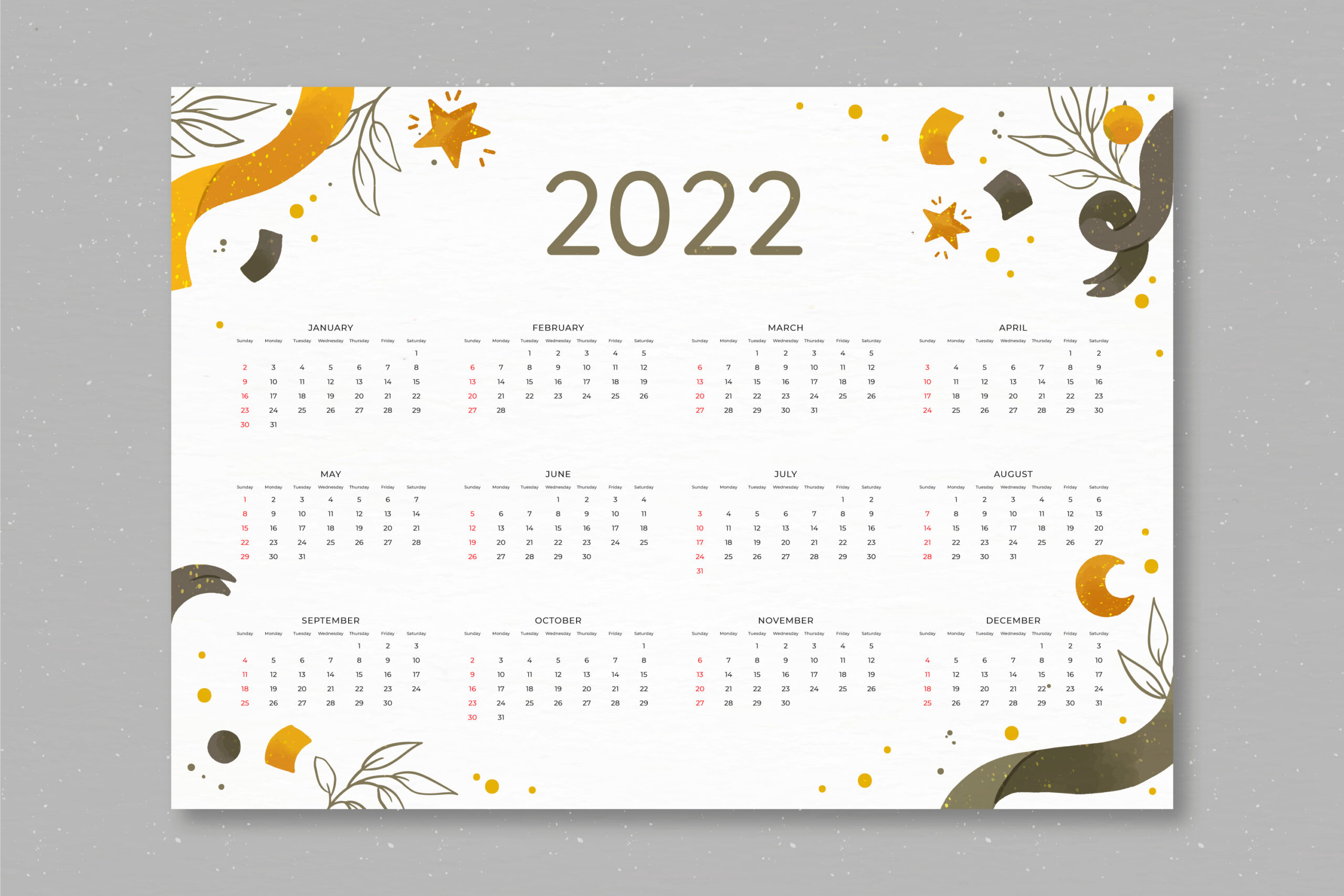
The first time I printed my own calendar, it looked… off.
The dates were misaligned, the colors dull, and nothing really popped.
Back then, I thought printing was just hitting Ctrl+P and calling it a day.
Turns out, printing a calendar that looks clean and works well takes a little planning.
Even today, when we have apps and reminders everywhere, a printed calendar still hits differently.
Whether it’s for your office wall or a stack of calendar cards for your business, it sticks around.
In this guide, I’ll walk you through how I do it — the easy way — so you don’t waste time or paper.
Why Printed Calendars Still Work
Some people like digital calendars.
But honestly, I still find myself flipping through a printed one on my desk.
They’re easier to glance at.
You can jot notes on them, highlight important days, and never worry about dead batteries.
That’s probably why most offices, homes, and shops still hang one up.
And if you’re running a business, custom calendars stay with your customers for months.
It’s free exposure, 365 days a year.
That’s way better than an ad they scroll past in three seconds.
Pick What Kind of Calendar You Want
Before anything else, ask yourself — what kind of calendar are you printing?
A wall calendar? Desk calendar? Pocket-sized?
Or maybe you’re thinking of sleek little calendar cards that people can tuck into planners.
If you’re printing it for yourself, pick what fits your space.
If it’s for your clients or team, think about where they’ll use it — and what would be useful for them.
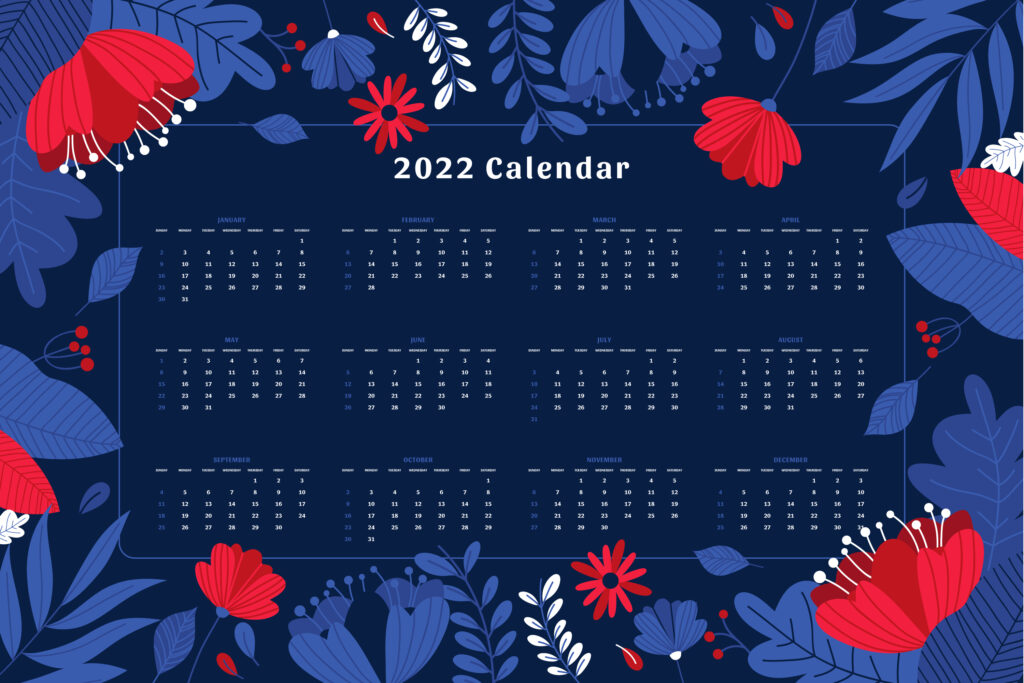
Choose a Template That Makes It Easy
Don’t start from scratch.
There are loads of calendar templates out there that make things way easier.
I’ve used free ones and custom ones from printers like PrintRobot, and they save you hours.
They already have the right date layout and spacing, so you’re not guessing where stuff goes.
You can also customize them — add your logo, mark holidays, even slip in birthdays or events.
Add Your Design and Photos
Now comes the fun part.
Grab your images — maybe from last year’s trip, team events, or product shoots.
Just make sure they’re high quality.
Blurry images don’t look any better in print.
If you’re printing for business, add your logo, phone number, or website.
Keep it clean. You don’t want it to look like a flyer from 2005.
Choose the Right Paper and Finish
This part matters more than people think.
The paper and finish decide how your calendar feels in hand.
If you’re using markers or pens on it, go with a matte finish.
If you want it to shine — literally — a glossy finish can bring your photos to life.
Cardstock works best for durability, especially for calendar cards.
Nobody wants a flimsy calendar that curls up by March.
Ready to Print? Double Check Everything
Before sending it off, check every page.
Is anything cut off? Did February get 30 days by accident?
Save your final file as a high-res PDF — it keeps everything sharp.
If you’re printing through PrintRobot, uploading is easy and their team gives layout tips if you need help.
Trust me, that final check makes a big difference.
Quick Story — Office Calendar That Worked
Last year, we made a custom calendar for our workspace.
Each month had a team photo and a little quote at the bottom.
It wasn’t anything fancy, but people loved it.
They used it, they laughed at the photos, and it quietly boosted morale.
Funny how something that simple stuck around all year.

Quick FAQs
What’s the best size for a printed calendar?
It depends.
Wall calendars usually go big, like 11×17.
Calendar cards are small and fit in pockets or wallets.
Can I use online tools to design?
Yes.
Tons of free tools and print sites offer easy-to-use templates.
No fancy design degree needed.
Can I print at home?
You can.
But professional printers give better quality, thicker paper, and more polish.
Plus, you don’t waste ink or test prints.
Wrap Up
Printing a calendar isn’t complicated — but it works better when you do it right.
Pick the type, design it with care, use good paper, and double-check before you hit print.
Whether it’s for your home, your team, or your brand, a printed calendar is something people still use.
And when it looks great, it becomes something they actually keep. If you’re ready to print yours, services like PrintRobot make it easy.
From simple designs to fully branded calendar cards, they’ve got the tools to get it done right.